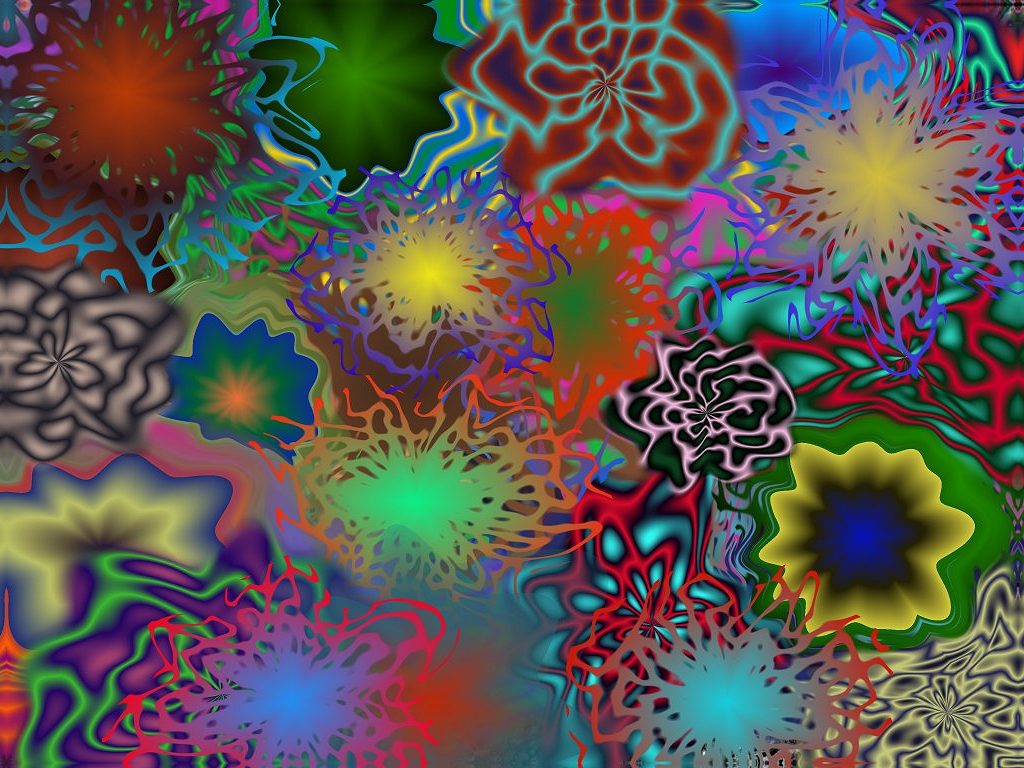
Numerous overlapping Plops were applied to produce this Liquib
image. The Random option was set on the Tool/Effect Options
panel, causing the characteristics of each Plop to be randomly
determined. (You can Undo any that don't suit your taste.)
The basic Plop/Fleck Methods are Displace, Mix,
Mingle and Tangle, but several other parameters may be
varied. Sequon Options might also be very helpful in influencing
how Tools and Effects are created (right-click the Sequons
button and check Also Use With Manual Effects).