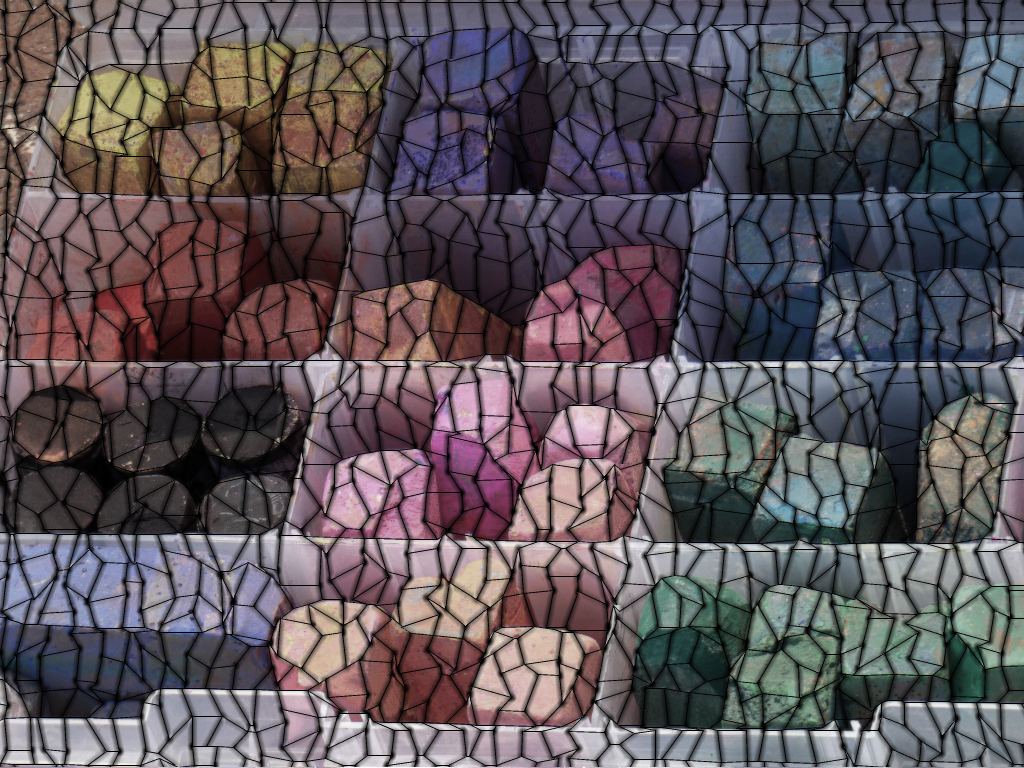
For this example, the Liquib Mosaic Tool was applied to a photo of
colorful street chalk in a partitioned container. The Tile Shape was
set to Hexagonal, with Averaged Colors selected for the Tile
Content. In this case, the Add Texturing option was set, causing
the tiles appear slightly grainy and rough. Tile Size was adjusted to
28 and Shape Regularity % set to 11%. Because of the
low Shape Regularity %, the tiles don't much resemble ideal hexagons, but
have instead been distorted to better fit the image features. Setting a
smaller Tile Size would allow even more leeway in matching the tiles
with picture shapes. (Also see the image below.)
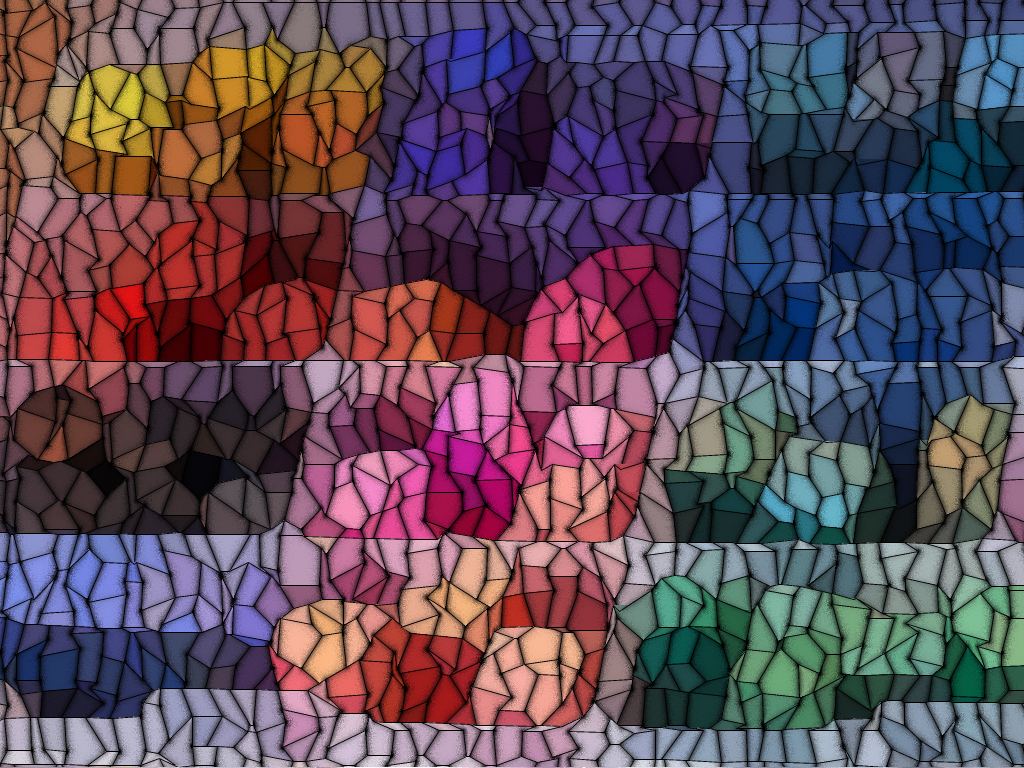
This Mosaic Tool variation used the same source image, with the same
parameter settings, except the Tile Content was changed to Grayed
Image Colors and Add Texturing was turned off. The actual source
image is shown, but with the colors grayed and slightly blurred.