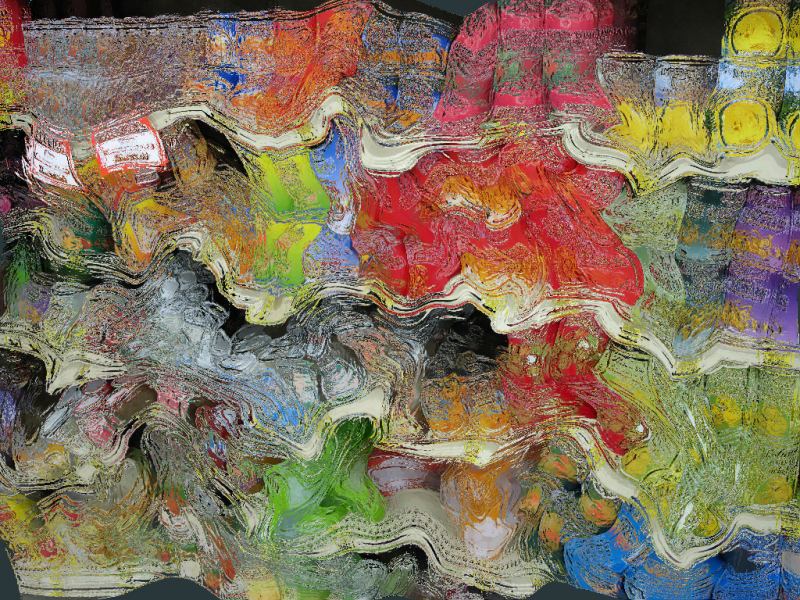
A picture of colorful cans and jars on store shelves was first mangled a bit with a bunch
of Liquib Twist Tool manipulations. Then the Frost Effect
was applied to ice up the surface. The Frost Basis parameter was set
to Light/Dark so that Frost was triggered based on the detection of
lightness/darkness differences in the image. The Frost Basis might also
be Dark/Light, Redness Only, Greenness Only, Blueness
Only, Light Only or Dark Only. Frost Intensity and
Resolution can be adjusted. As with other Effects, if allowed to
evolve Frost will gradually dissipate, thawing out to slowly reveal the underlying
image. Of course, the process can be paused or stopped at any point.
Another variation is shown below.
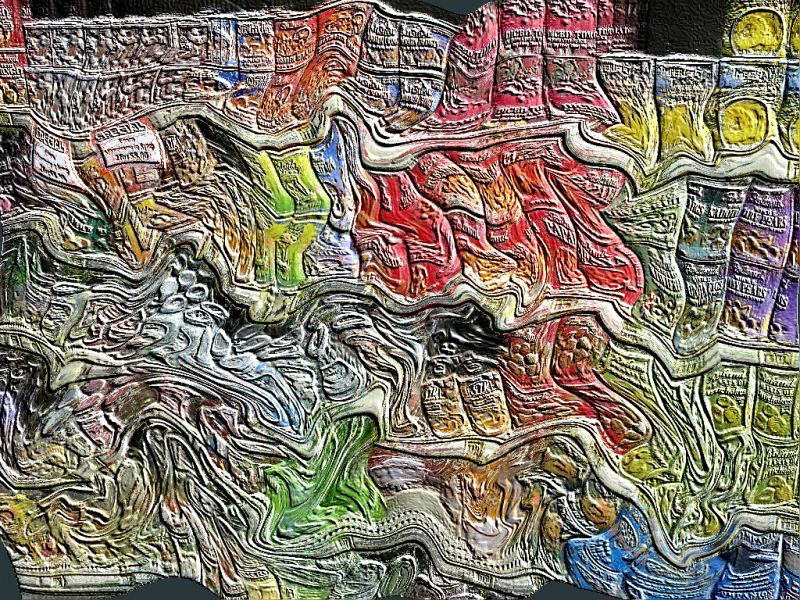
This is the same picture, and the same Frost Effect parameters were used,
except in this case the Use Shading option was turned off. The result
is more like seeing the image under a frozen surface of clear ice. It's also
possible to set shading to a specified color or to continuously shifting colors.