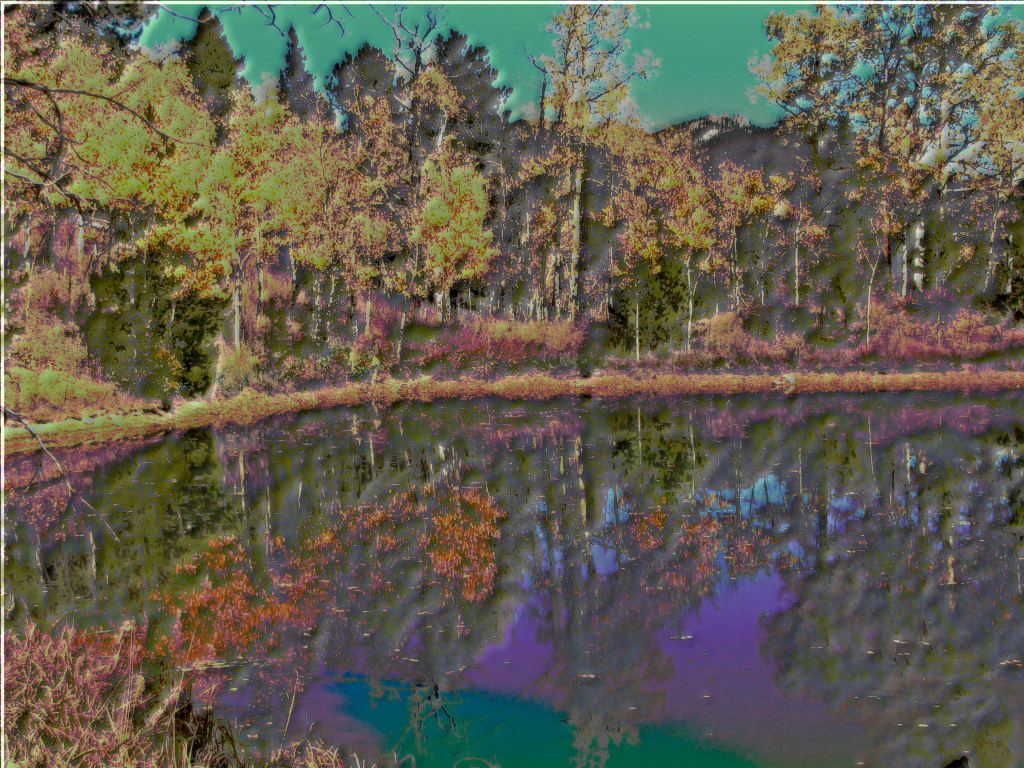
These Liquib Shine examples were created from a photo of aspen trees
with golden autumn leaves behind a reflective pond. This picture, and the two that
follow below, explore some of the possibilities of mixing Shine derived colors with
the colors from the original source image. The Metallic Shine Style was
used in this case, with the Color set to a fairly dark greenish blue. (The
Metallic Color doesn't need to be a realistic color for any of the metals found
here on Earth. There are pre-sets for colors that approximate several of the familiar
metals, but any other color can be chosen, and sometimes quite interesting results can
be achieved with weird, unnatural colors.) The Colorize % was set to 50%,
causing the Shine colors to be merged equally with the original source image
colors. The detection of image edges and embossed appearance of the picture
depend on how the various parameters were set: Smoothness was 2,
Depth was 8, Resolution was 3, Contrast was 0 and
Gradations was 4. (See another variation below.)
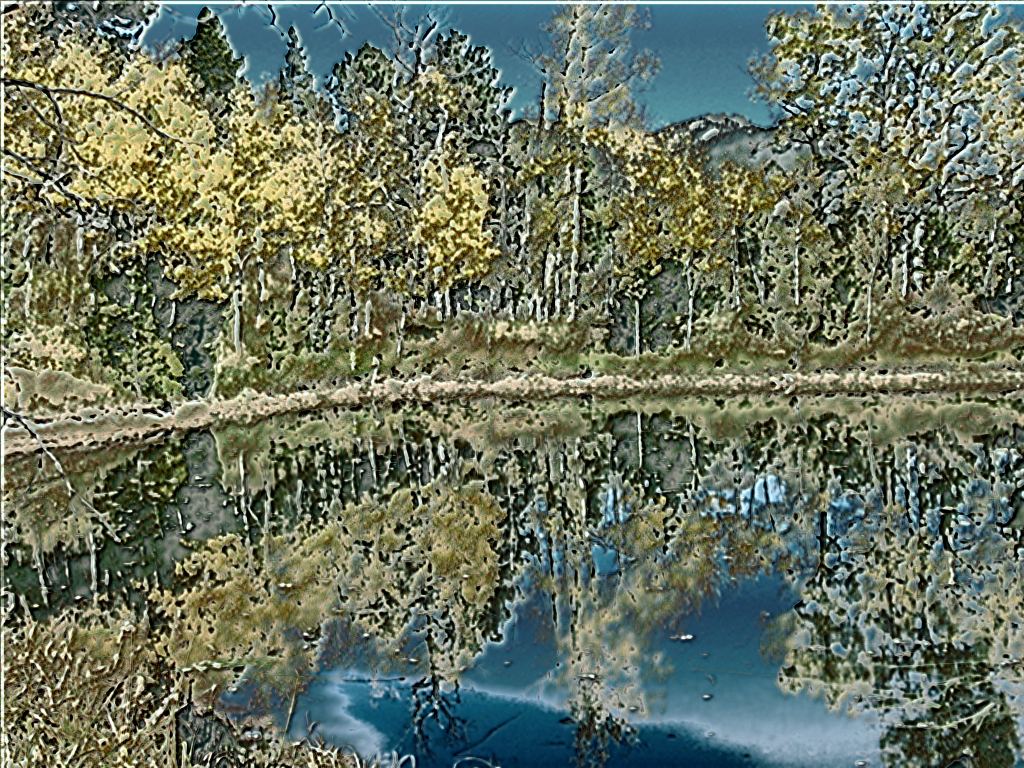
The Thermal Levels Shine Style, also with Colorize % set to 50%,
produced this scene from the same photo. The other parameters were the same
as above, except Gradations was set to 5. (One more follows.)
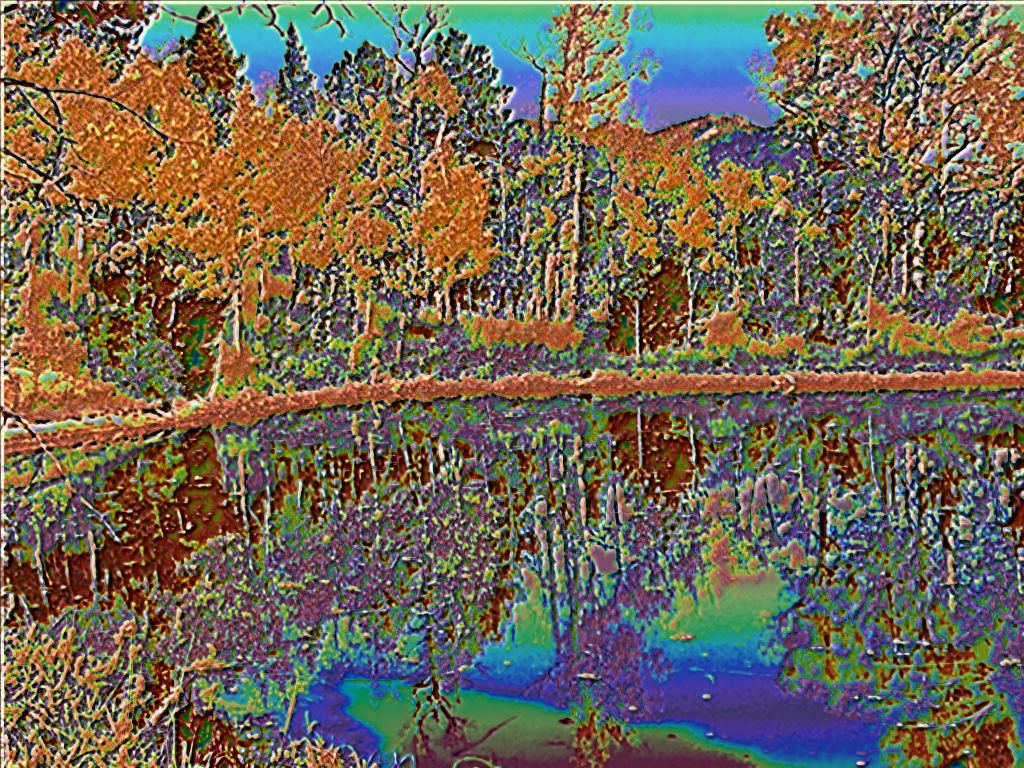
This picture was created using the Dim Brilliance Shine Style, yet again with
Colorize % set to 50%. In this case, Smoothness was set to 8,
causing the raised surface elements to appear more rounded and less distinct.
Gradations was set to 2.