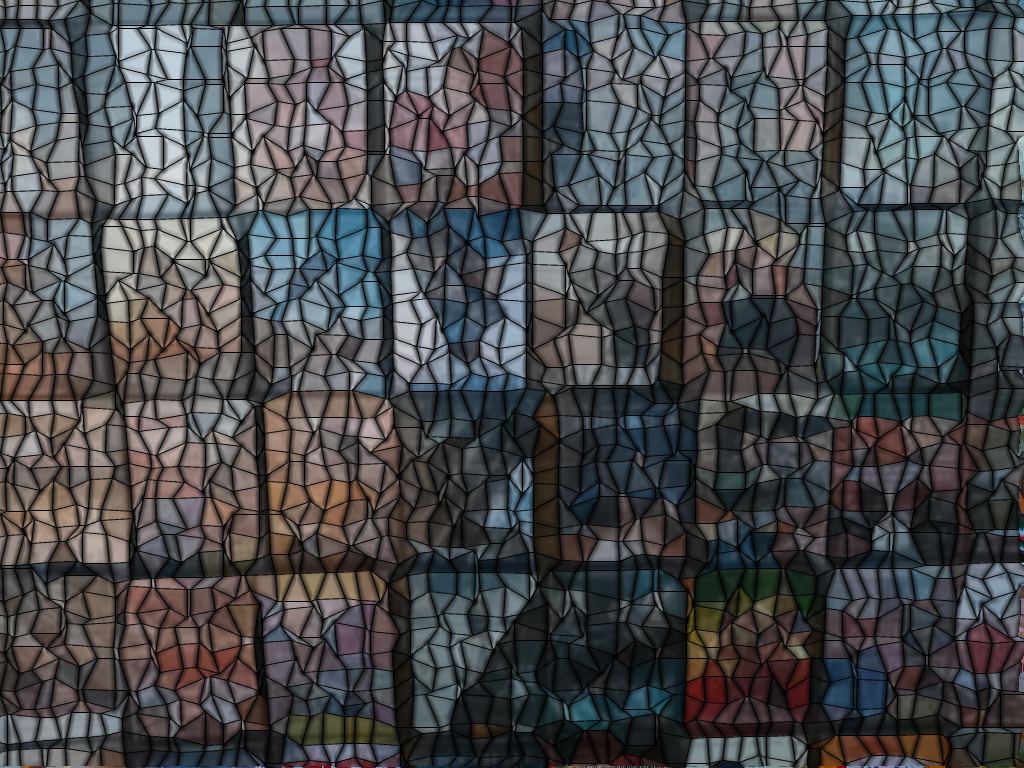
A photo of DVD movies in a display case served as the basis for this Liquib
example. The Mosaic Tool was applied with Tile Shape set to
Rectangular and Averaged Colors/Shadows as the Tile Content,
which fills each tile with a solid color calculated to be the average of the image
pixels within the tile, mixed with a vague impression of the image itself.
Tile Size was set to 18 and Shape Regularity % to just
11%, which makes it possible for the tile shapes to be distorted as needed
to align with detected image edges. It can be very helpful to use the
Adjust function after a Tool or Effect has been rendered
to experiment with changing parameter combinations until the most satisfactory
results are achieved. The Image Manipulation History screen (the
Hist button) provides even greater potential for altering rendered Tool
and Effects.