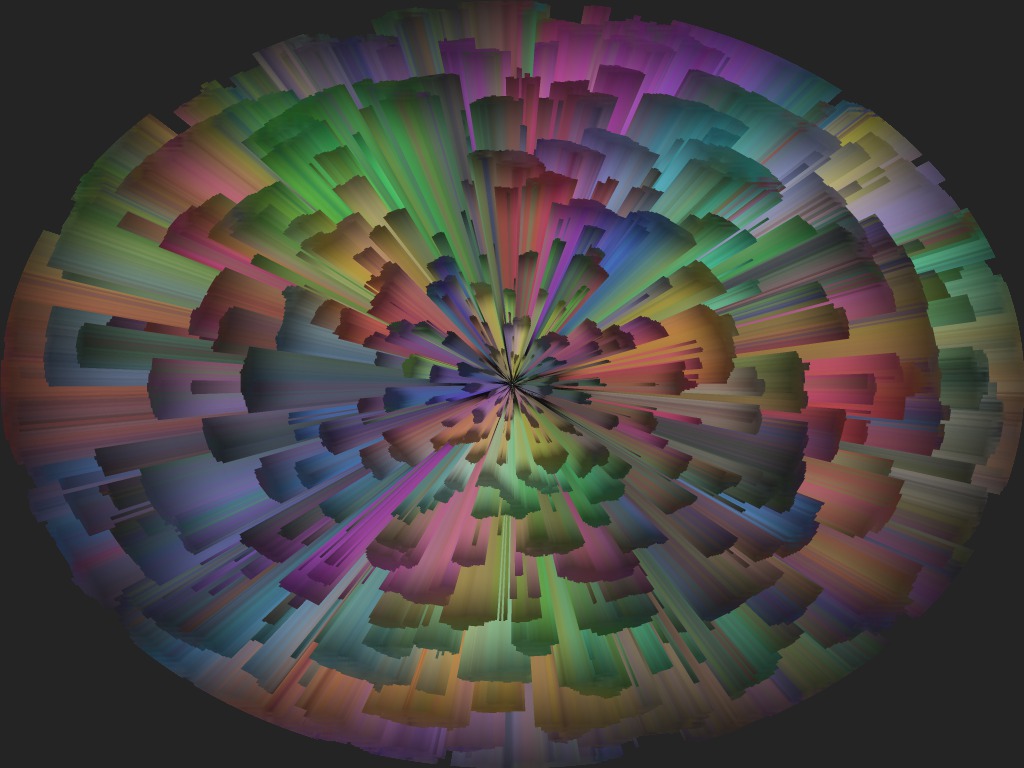
This large Liquib Burst was created with the Full Image
Burst option set so that the blast area spans the entire picture.
The Debris Burst Type was used, and the Burst Coloration was set
to Use Image Colors, which caused the exploding fragments to be composed
of colors taken from the central part of the source image. (A small source
image was used, surrounded by a gray background. The Tint Tool
was then applied to add a nice variety of colors.) A Burst Detail
parameter can be adjusted to control how dense and numerous the Debris
fragments are. While a Burst is active, the fragments can appear
to be exploding outward (or optionally imploding inward), and might also seem
to rotate. The action can be paused or stopped at any point.