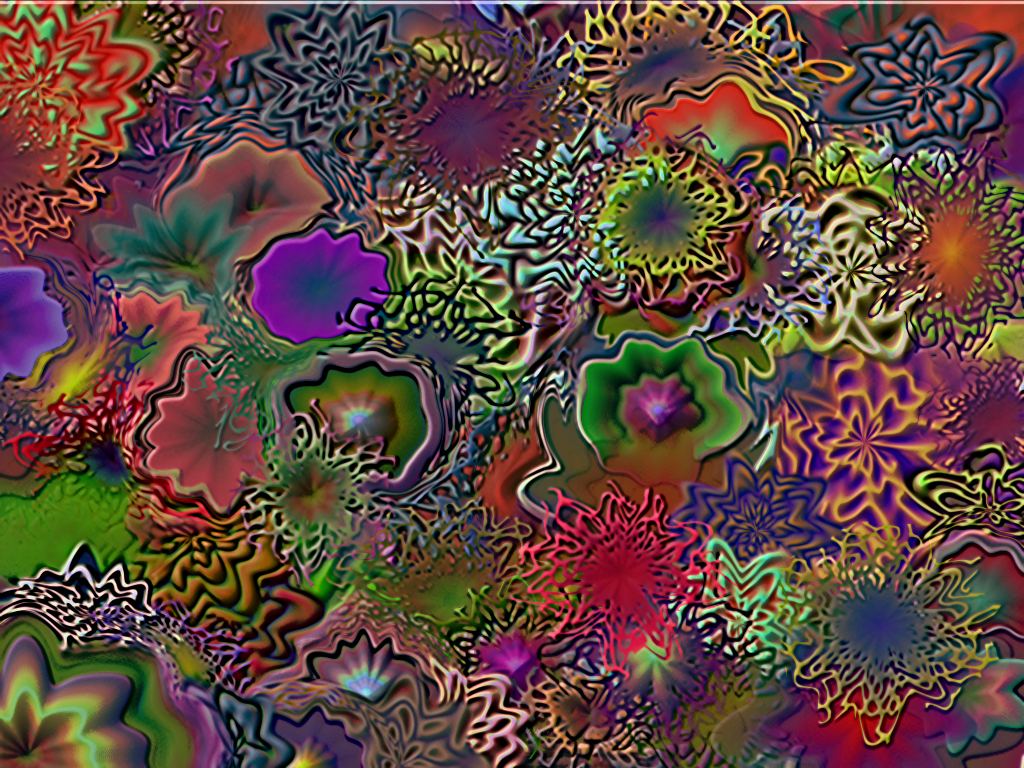
Typically, a Liquib scene is not created using just a single Tool
or Effect, but rather is often a combination of multiple (sometimes many)
different varieties of manipulations, allowing nearly infinite possibilities.
In this case, the Shine Tool was applied to the previous Flecked
image to provide a sense of depth. The Thermal Levels Shine Method
was used, and the Colorize % was set to just 33%, allowing the original
colors to mostly be preserved, slightly tinged by the Shine colors.
(Alternatively, the Relief Tool might be used to enhance depth.)