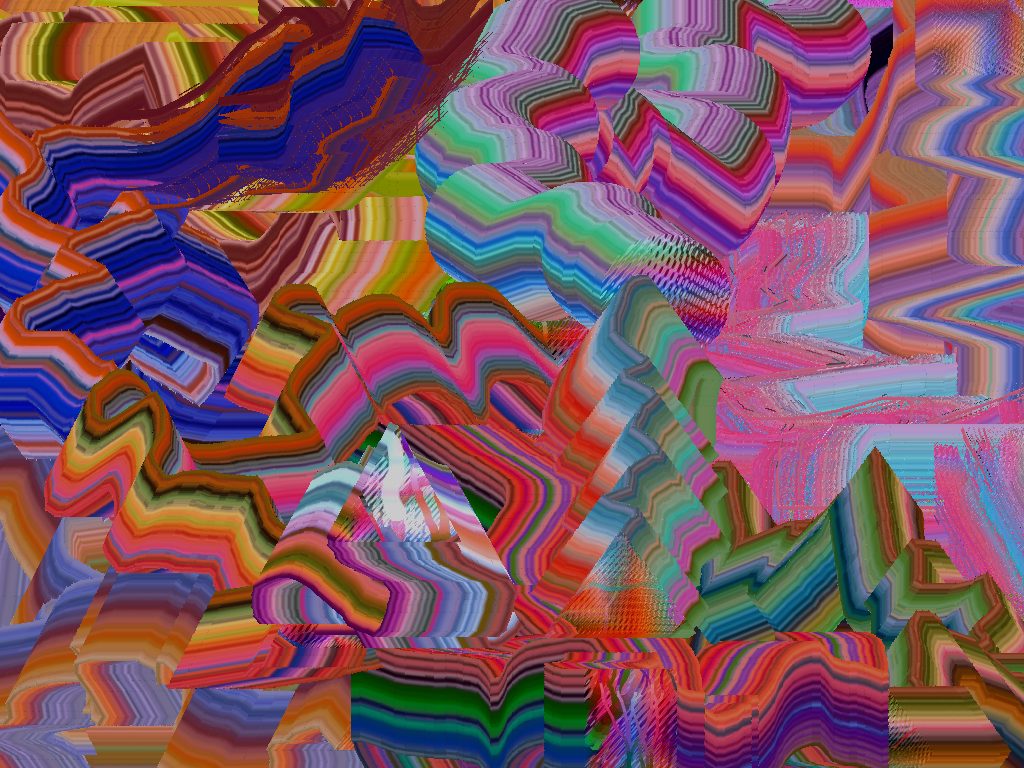
The Liquib Whisk Tool is quite simple to use. Just click the
mouse on the source image to capture a small picture from that area. Then,
while the mouse button is still pressed, move the mouse according to your whims
to drag that picture fragment around the screen, leaving a trail of edge colors
following its path. The size and shape of the captured picture can be
configured, or set the Random option to be surprised!