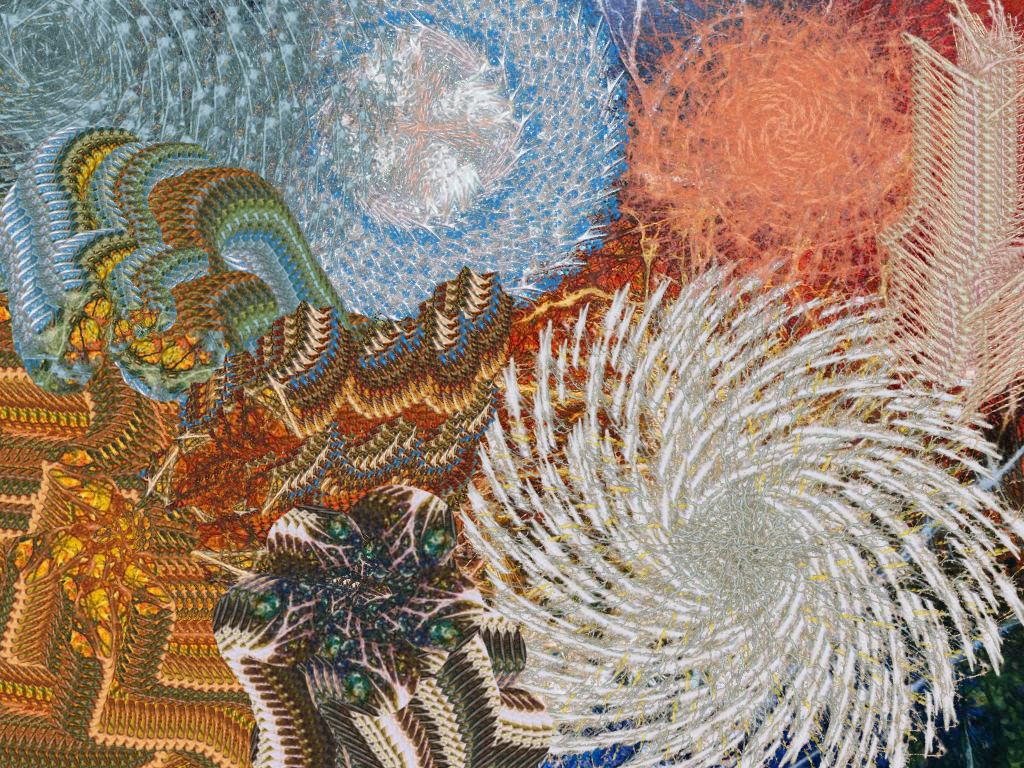
This Liquib Erupt Tool sample image illustrates usage of the
Cloned From Image Erupt Style, which fills Fragments with a portion
of the currently displayed image captured at the point where the mouse was initially
clicked. First, the Spew Erupt Action was applied four times to
produce the large radial objects along the upper and right portions of the
image. All of those used the Stencil Fragment Shape, which creates
Fragments based upon the relative lightness/darkness of the displayed
image where the mouse was initially clicked. (A Stencil Fragment
Shape displays only lighter areas while the darker areas are transparent;
the opposite is true with a Reverse Stencil Fragment Shape.)
Then four Burrow Erupt Actions were dragged around the lower left part
of the image set with Round, Spikey and Brick Fragment
Shapes. A final Burrow Stencil was drawn along the right edge.