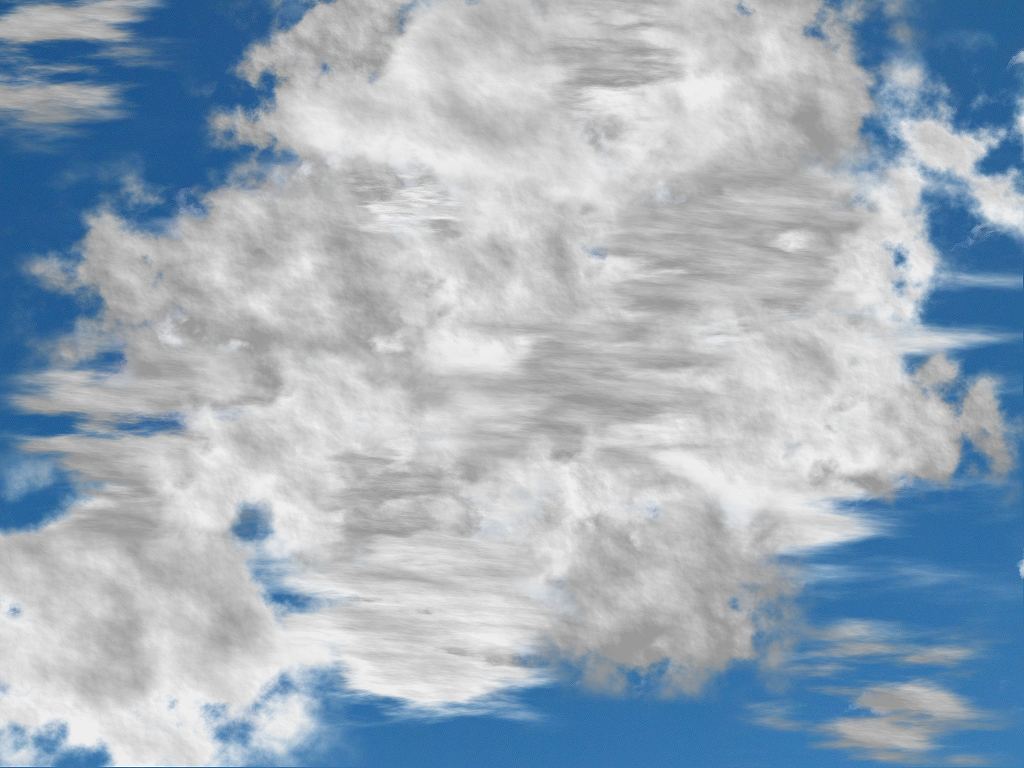
The source image for this Liquib sample image was a picture of the sky.
Numerous Clouds were then applied with the Cloud Coloration set to
Scattered Showers. Cloud Coloration is specified by
Front and Back Tints, and several standard pre-set Cloud
Colorations are available, or the Tints can be selected manually (or
randomly). In this example, the Backlit Clouds option has been set for
many of the Clouds, causing the Front and Back Tints to be
reversed, which essentially makes the sunlight appear to come from the opposite
direction. Cumulus and Stratus Clouds are shown, created
with various size, Density and Puffiness values. The resulting
Clouds are fairly realistic (although this particular grouping and mixture of
types would certainly never occur naturally).