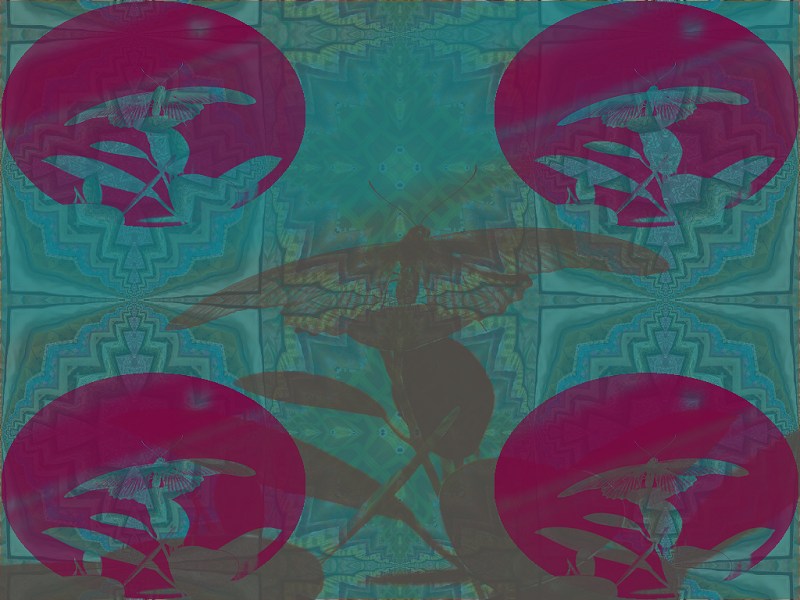
This Kaleider Pattern Combo illustrates how Stencils can be used
to blend Patterns and colors. First, the Background was filled with
a Diamond (Split) Funnel effect. A rectangular Area was then
added and sized to fully cover the image. It was filled with a teal color.
A butterfly Stencil image was chosen and the Blend Stencil option was
set. Yet another rectangular Area was created, again sized to totally
cover the image, and set to a grayish brown color. The same butterfly
Stencil was selected, again with Blend Stencil set, and then the
Negative Stencil option was set. Oval shaped Areas were added
and positioned in each corner. These were filled with a maroon color.
The same butterfly Stencil was scaled into each oval. The Blend
Stencil option caused the teal and maroon colors to mix, creating shades of purple.